

Choosing workforce scheduling software is an extremely important business decision that operations leaders must make. The wrong tool creates more admin than it helps. The right one reduces costs, improves staff satisfaction, and scales with your operation. This guide covers the 7 features that consistently separate high-performing scheduling platforms from expensive disappointments , with examples from organisations that have seen measurable results.
1. Real-Time, Dynamic Scheduling
Traditional static rotas don’t work in fast-moving environments. A modern scheduling solution should automatically adjust schedules as availability, location, or demand changes, while still giving planners the ability to intervene when operational judgement is needed.
In practice, this means: an engineer calls in sick at 7am and the system has recalculated their jobs and reassigned them at a speed much faster than a planner manually could. That’s the difference between reactive and resilient scheduling.
2. Automated Shift Planning & Optimisation
Automated scheduling takes the guesswork out of workforce planning. Intelligent algorithms build optimal shift patterns based on availability, skills, location, and demand forecasts. At the same time, organisations should have the the flexibility of manual scheduling, so they can blend automated scheduling with human intervention.
-
Faster rota creation, often in minutes, not hours
-
More balanced workloads across teams
-
Less reliance on spreadsheets or manual processes
3. Mobile Access & Self-Service
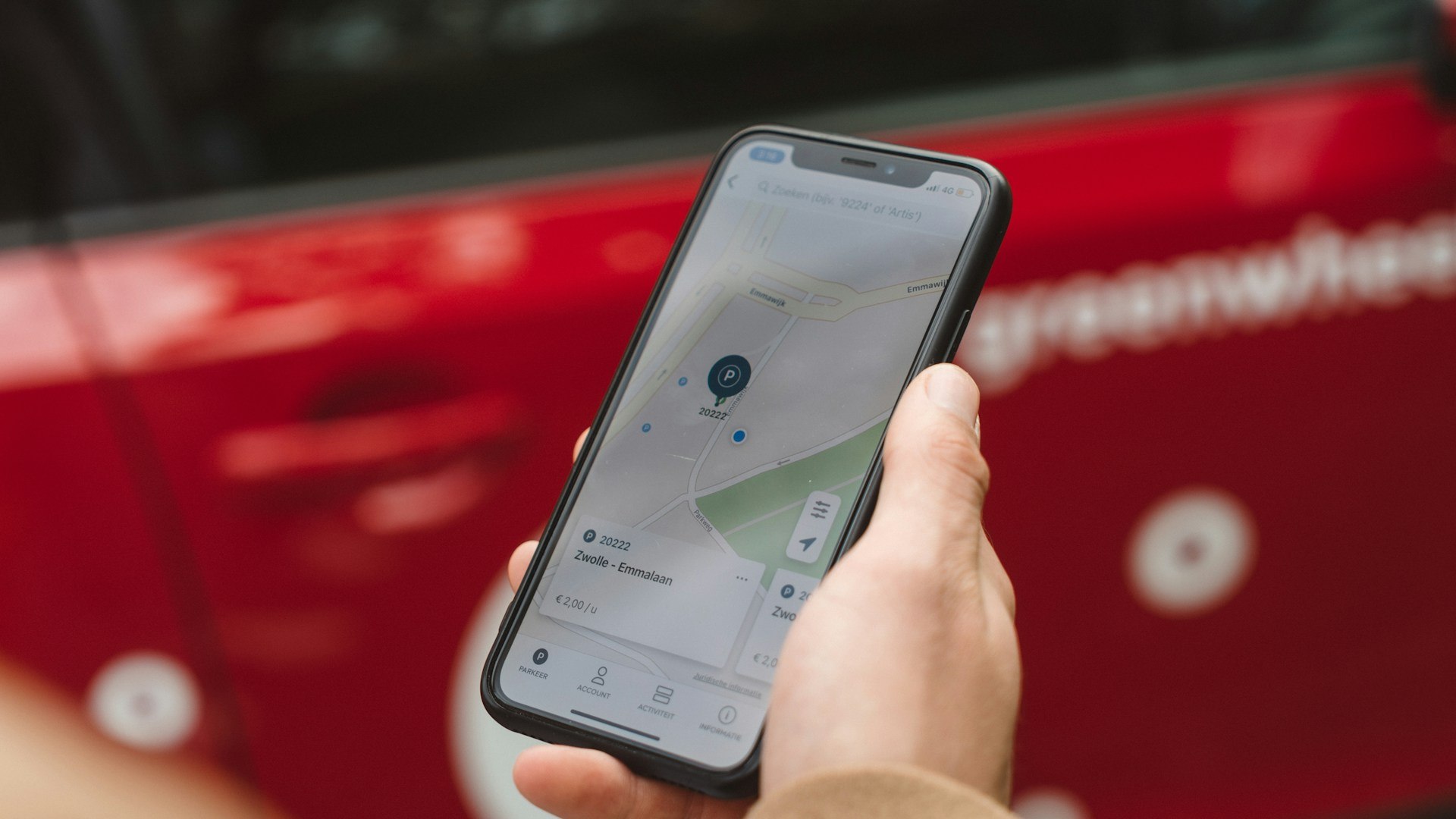
Your workforce isn’t sitting behind a desk. So your scheduling software shouldn’t either. A mobile-first approach gives field teams and shift workers real-time visibility of their schedules and the ability to request changes, swap shifts, or log availability from anywhere.
-
Empower staff with self-service functionality
-
Reduce admin time spent on calls and emails
-
Improve engagement and retention rates
Did you know? Organisations using Totalmobile’s self-service scheduling tools have seen a 25% reduction in operational staff costs.
4. Compliance & Audit-Ready Reporting
Scheduling isn’t just about meeting demand. It’s also about meeting regulations. A strong scheduling platform automatically considers working time rules, certifications, rest periods and skill requirements, ensuring compliance by design.
-
Prevent unintentional breaches
-
Keep clear, auditable records for regulators
-
Reduce legal and financial risk
This is especially critical for sectors like healthcare, emergency services, and utilities.
5. Seamless Integration with Other Systems
Scheduling doesn’t happen in a silo. Your scheduling solution should work seamlessly with your other tools . Including job management, payroll, HR, and asset tracking systems.
-
Avoid duplicate data entry
-
Create a single source of truth
-
Ensure smooth workflows across departments
Pro tip: Integration helps speed up reporting, improve accuracy, and cut operational overhead.
6. Real-Time Dashboards & Intelligence
Visibility is key to operational control. Real-time dashboards give you the insights to make smarter scheduling decisions in the future. Not just reactively, but proactively.
-
Live workforce monitoring and alerts
-
Demand forecasting and capacity planning
-
Insight into utilisation, travel, and overtime
Example: One organisation reduced 9,000 unnecessary visits annually through better scheduling insight.
7. Scalability Across Industries
Whether you’re scheduling field engineers, frontline healthcare staff, public service teams or utilities crews, your scheduling solution should scale with your business, adapting to your specific operational demands.
-
Healthcare: Match staff to patient demand
-
Utilities: Optimise routes and minimise travel
-
Emergency services: Manage dual crews and response times
Discover Field First: one platform that grows with your organisation, today and tomorrow.
Why These 7 Features Matter
Many organisations still rely on spreadsheets or static tools to manage complex workforces. In 2025, that’s not sustainable. The right workforce scheduling software enables you to:
-
Increase workforce capacity by up to 30%
-
Reduce travel and overtime costs
-
Improve service quality and employee satisfaction
-
Support compliance and governance effortlessly
Ready to learn more about what workforce scheduling software can do for your business?

Questions to ask when evaluating scheduling software
Before committing to a platform, it’s worth pressure-testing vendors with questions that reveal how well the software will actually work for your operation:
- Can it handle last-minute schedule changes automatically, or does every exception require planner intervention?
- How does it handle skills and certification matching? Is this manual or automatic?
- Does it integrate with your existing job management, HR, and payroll systems?
- What do your field workers actually see? And can they access schedules and request changes via mobile?
- How does it handle compliance with working time regulations?
FAQs
What’s the difference between static and dynamic scheduling?
Static scheduling uses fixed rotas that don’t adapt to real-world changes. Dynamic scheduling automatically adjusts in real time based on demand, availability, and location, while still allowing human oversight.
Can scheduling software handle last-minute changes?
Yes. Modern scheduling platforms allow planners to respond to cancellations, sickness, and urgent jobs quickly, often automatically.
How does smart scheduling improve employee satisfaction?
By giving employees visibility, control over their shifts, and fair allocation of work, smart scheduling reduces frustration, burnout, and attrition.
What is staff scheduling?
Staff scheduling is the process of planning and assigning work shifts for your team. It ensures that the right people with the right skills are in the right place at the right time. Effective staff scheduling balances workloads, reduces reliance on spreadsheets, and helps organisations manage capacity efficiently. This includes workforce planning, rostering, and forecasting for peak or quiet periods.
Which software is best for scheduling field workers and managing jobs?
The best software for scheduling field workers combines automation with flexibility. It allows managers to assign jobs based on technician skills, location, and availability, while enabling teams to handle last-minute changes with ease. Leading solutions integrate job scheduling, dispatch, and mobile access, helping field teams complete more jobs efficiently and reducing admin overhead.
Totalmobile enables organisations to optimise job allocation based on skills, location, and availability, while allowing field teams to respond quickly to changes, complete jobs efficiently, and reduce paperwork.
What are the best solutions for remote or mobile workforce scheduling?
For teams that operate remotely or across multiple locations, mobile workforce scheduling software is key. The best solutions allow employees to view and update schedules via mobile devices, accept or swap shifts, and receive job details in real time. This improves communication, reduces errors, and ensures teams stay productive even when on the move.
Totalmobile’s mobile solution ensures field teams stay informed, responsive, and productive, making it one of the leading choices for organisations managing mobile operations.
Which software is best for scheduling field workers and managing jobs?
The best software for scheduling field workers combines automated job assignment with real-time visibility. It should match engineers or technicians to jobs based on skills, location, and availability — and adapt automatically when plans change. Totalmobile’s workforce scheduling platform is built specifically for field-based operations, integrating job scheduling, dispatch, and mobile access in a single system. See how it works →
What should I look for when choosing workforce scheduling software in 2026?
The most important factors are: real-time dynamic scheduling capability, mobile access for field staff, automated compliance checks for working time rules, integration with your existing systems (HR, payroll, job management), and reporting that gives you visibility into utilisation, overtime, and SLA performance. Beyond features, look for proven results in your industry, case studies with specific metrics carry more weight than feature lists.